Prepare INDD for Affinity Publisher
INDD2IDML reconstructs an InDesign document as IDML. Open that IDML in Affinity Publisher, then inspect pages, text, fonts, graphics and effects before continuing.
 INDD2IDML
Reconstruct INDD, INDT, INDB, PDF, and packages locally as IDML. Link fonts and graphics later. No subscription—one-time purchase.
Mac App Store
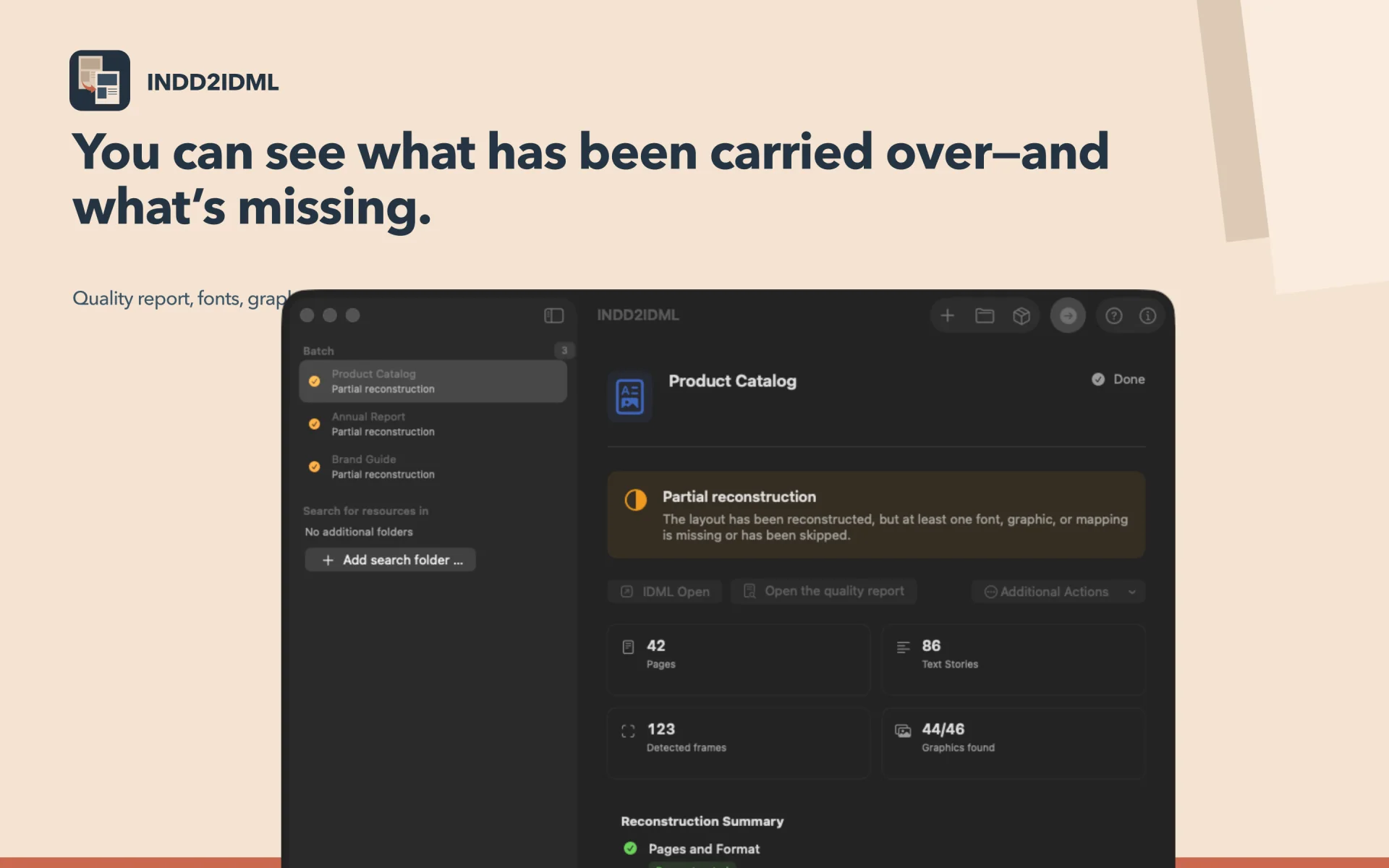
INDD2IDML creates an IDML intermediate file from the strongest material available. That gives old InDesign documents a practical route into Affinity Publisher and other IDML-compatible layout software without promising a perfect reconstruction.
INDD2IDML reconstructs an InDesign document as IDML. Open that IDML in Affinity Publisher, then inspect pages, text, fonts, graphics and effects before continuing.
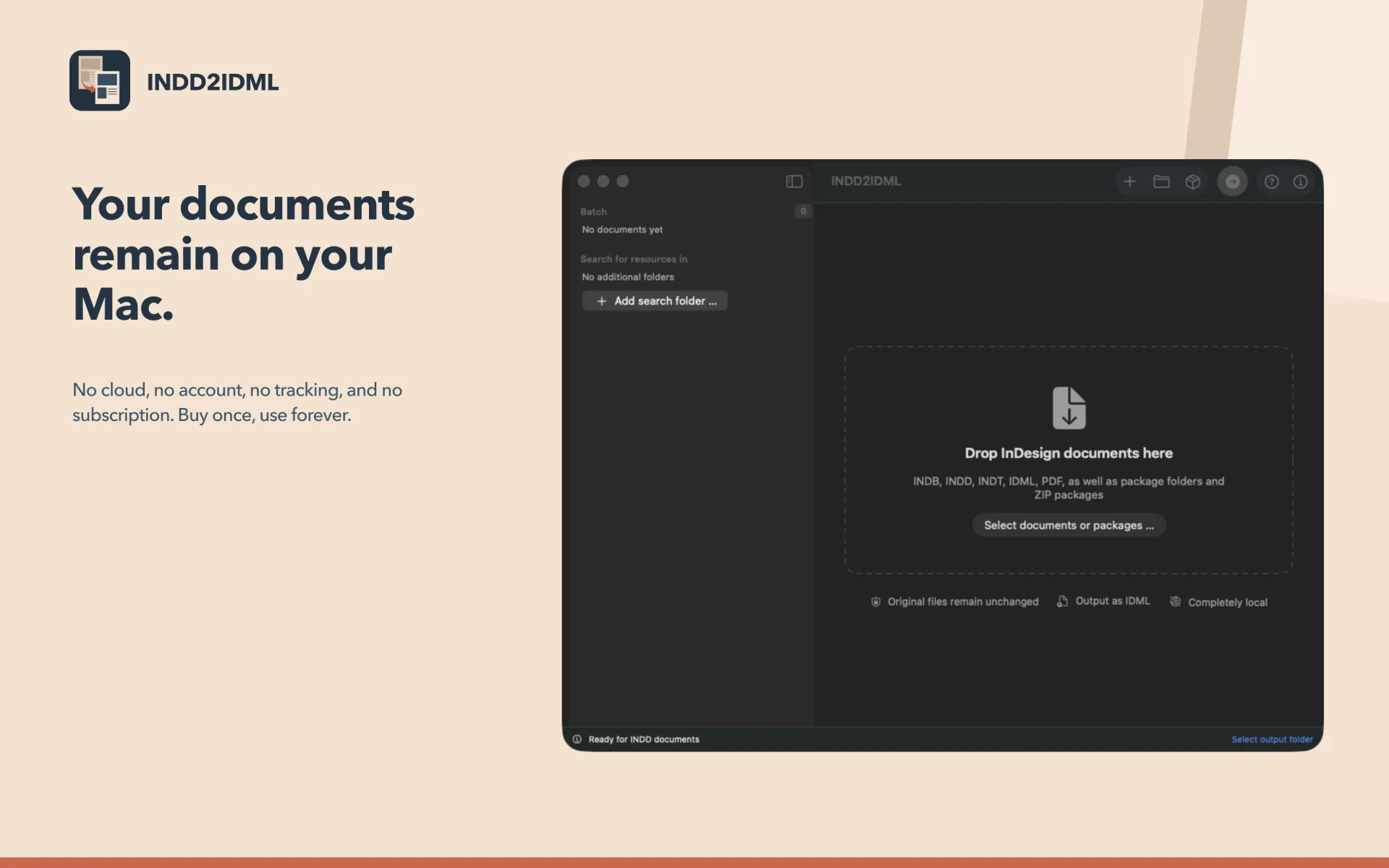
Conversion runs locally without launching Adobe InDesign or uploading the source. Packages, matching PDFs, fonts and linked graphics can improve the starting material.
IDML is the output—not .afpub, .afdesign or a universal format. Depending on the document and target application, it may also be opened in Adobe InDesign, QuarkXPress, VivaDesigner or Scribus and must always be checked.
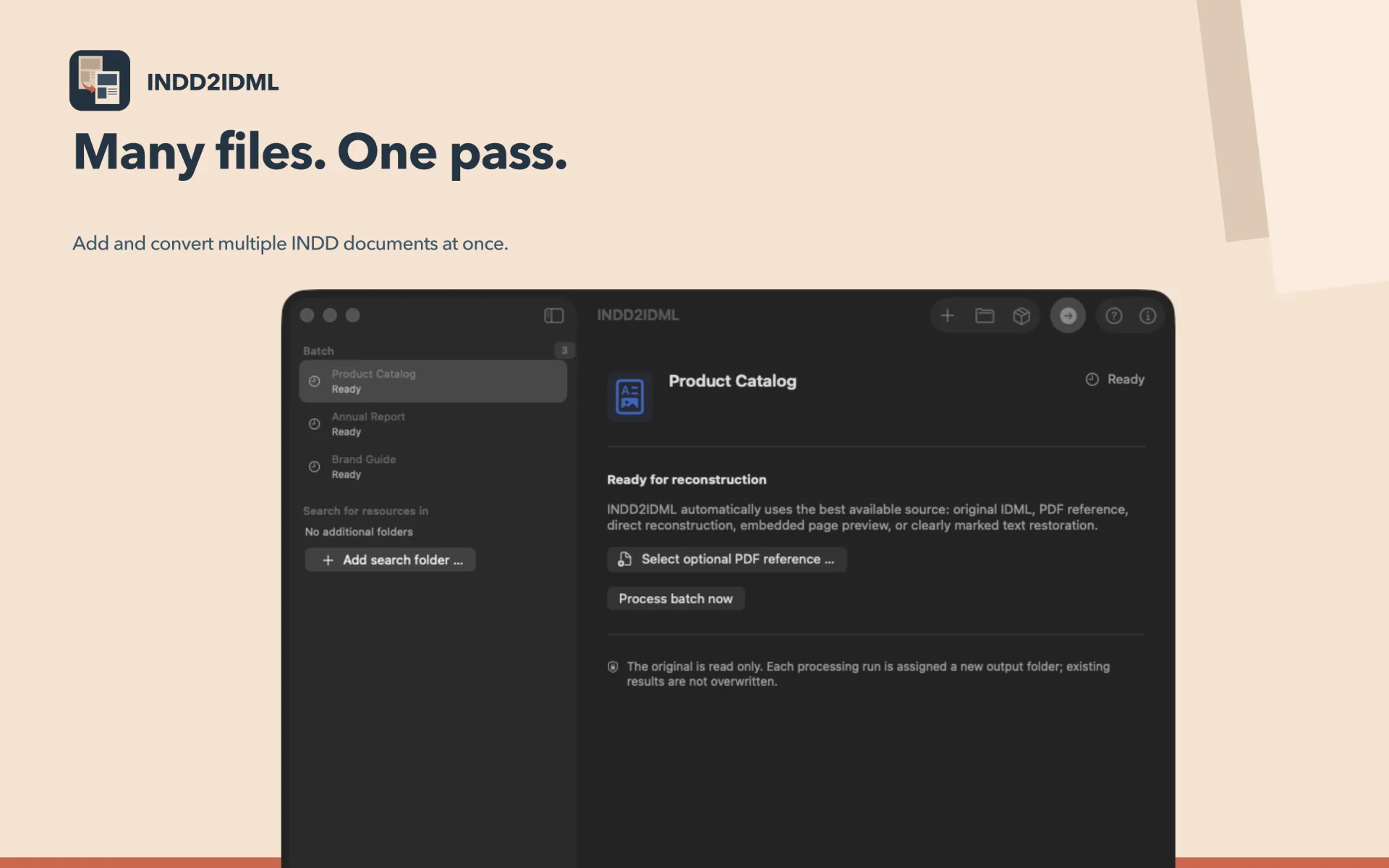
Supported formats include INDD and INDT documents, INDB books, valid IDML files, PDF files, ZIP packages, and InDesign package folders.
The most accurate reconstruction is achieved with a complete InDesign package: INDD or INDT, an original IDML file with the same name (if possible), or a PDF export of the same document version, along with all linked graphics and the font files used.
“Validated Original IDML” is the best source and remains unchanged.
Open the IDML directly or view it in the Finder.
Examine INDD and INDT documents entirely locally and without Adobe software; original files are read only.
INDD2IDML reads only approved original files and operates entirely locally. Each document receives a new, uniquely named output folder in the selected output folder; existing files and previous results are not overwritten.
Automated public format samples from InDesign 2.0 through InDesign 2026 (21.0) generate valid IDML outputs.
A newer, more complex document from InDesign 21.2 is also covered.
These tests demonstrate the respective reading and recovery paths, not the complete reconstruction of every production document or later, as-yet-untested subversions.
Convert InDesign documents locally to editable IDML